





0 Searching the NFED (FAQ Updated)
- NFED Blog & Updates
- by Administrator
- 09-04-2026
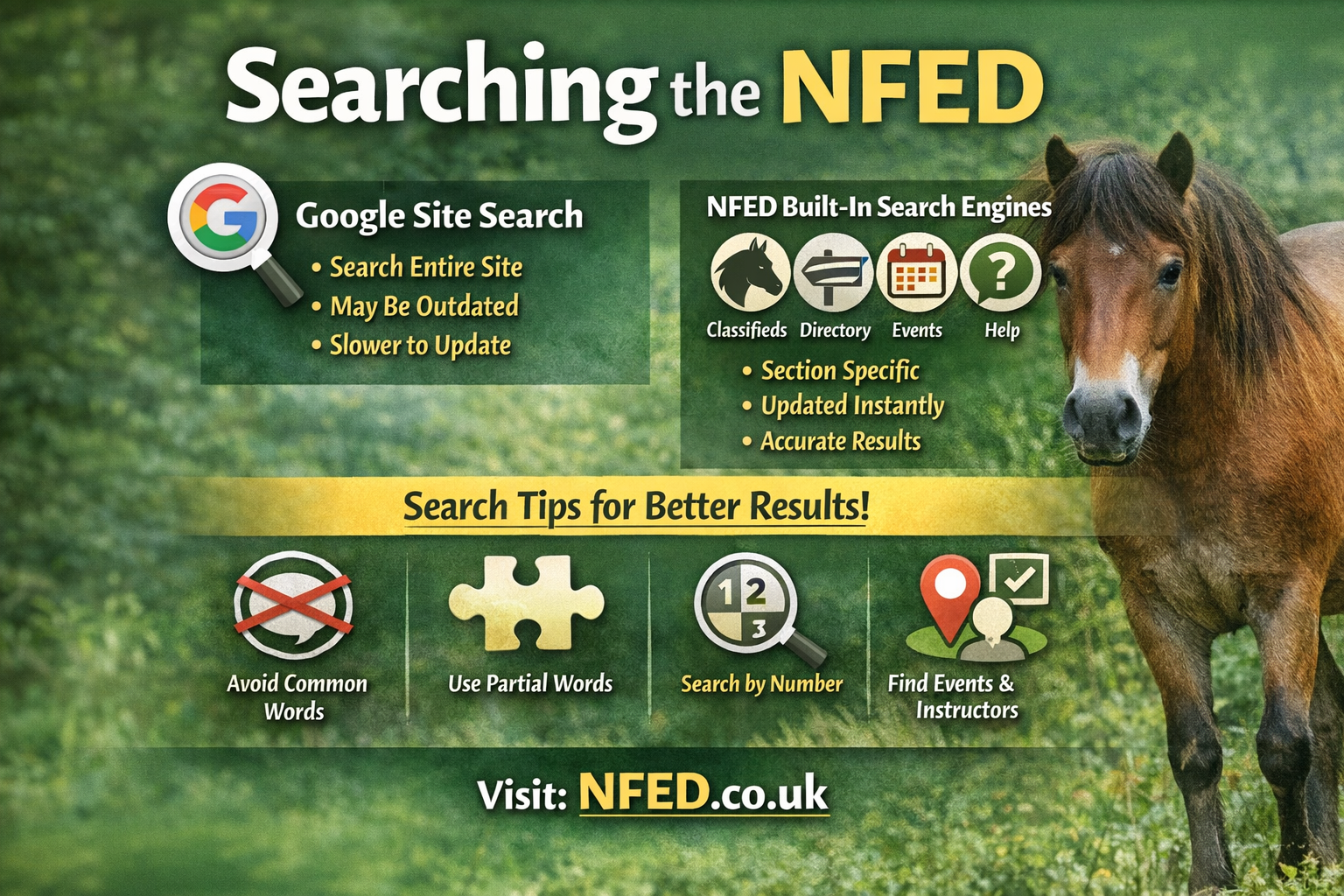
The NFED offers two types of search tools: Google Site Search for full‑site coverage, and built‑in search engines for the main sections such as Classifieds, Directory, Events, News, and Help.
Google Site Search
Google scans the entire NFED website. It’s powerful, but not always up‑to‑date:
- Results depend on when Google last crawled the site
- Very new posts may not appear immediately
- Old items (e.g., past events) may still show for a while
Use this when you want to search everything, including older pages and static content.
NFED Built‑In Search Engines
Each major section — Classifieds, Directory, Event Diary, News, and Help — has its own dedicated search tool.
These searches:
- Only cover their specific category
- Update instantly
- Remove expired posts automatically
- Usually give more accurate and current results than Google
If you’re looking for something in a specific section, this is the best place to start.
Tips for Better Results
The NFED is a large resource, and smart searching saves time. These guidelines help you get the most accurate results:
-
Avoid words that appear in category titles
They’ll return every item in that category. -
Avoid common words
Words like the, and, offered, etc., appear in many listings. -
Use shared letter groups for words with multiple spellings
For example: driving, driven, drive → search for driv -
Fewer words often give better results
Even part‑words can be more effective than full phrases.
Examples Albion Saddle
Searching for Albion finds only adverts containing that word.
Searching for Albion saddle will also return every advert containing saddle, which may be far broader.
13.2 Driving Pony
People may write this as driving, driven, or drive.
Searching for driving won’t find driven.
Search for driv and select the 14.2hh & under – Offered category.
You’ll see all adverts containing driving, driven, or drive.
New Forest Foal
Enter forest and select the Foals & Youngstock category.
Searching by Advert Number
If you know the advert number, simply enter it into the search box to go straight to that listing.
Events by Venue or Instructor
Use the Event Diary search:
- Enter the venue name or instructor
- Use filters to narrow by event type if needed